Loading tool
Getting your classroom utility ready…
We’re pulling in the latest signed-in data and loading the tool shell now.
We’re pulling in the latest signed-in data and loading the tool shell now.
Feedback
Quick feedback helps improve these tools.
01 / Your class
One name per line, or paste a column from your class list.
Sample class · Replace these names with your own before using the chart.
Your setup stays in this browser when storage is available. On a shared device, clear the roster and remove rules when finished.
02 / Shape the room
Choose how many learners work together and how wide to display the desk map.
Together = same group. Apart = different groups, not a guaranteed distance between desks.
No constraints set. All students will be randomly assigned.
Each shuffle replaces the current chart. Print or save as PDF to keep a particular arrangement.
Teacher account saves
Sign in if you want your seating setups to follow you across devices.
Saves include your roster, group size, columns and rules—not the generated seat order.
Browser-local persistence is still active even when you stay signed out.
Add your roster and select Generate seating.
Results
Read across the desk map for the same order. The last group may be smaller.
03 / Ready for the room
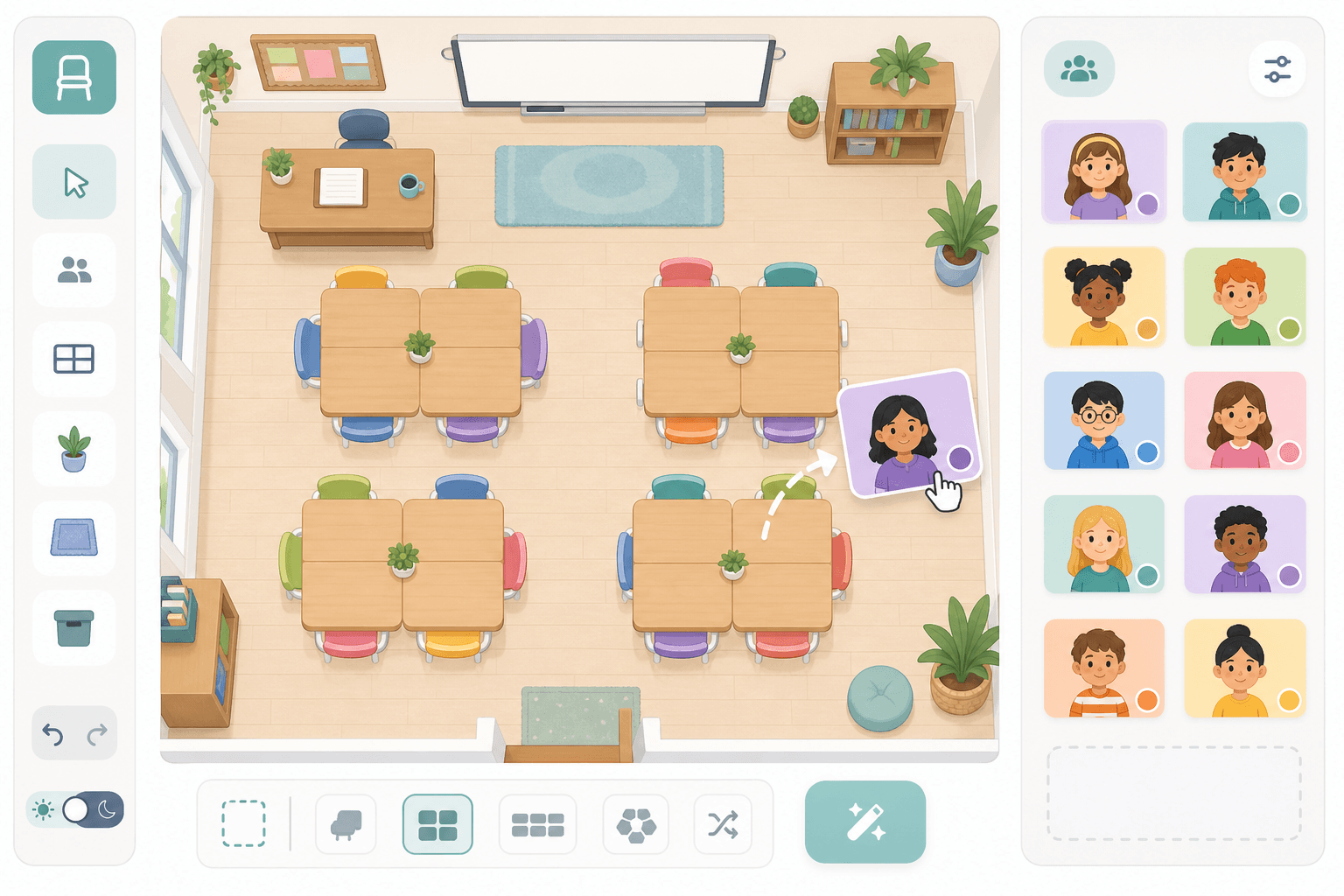
Read left to right, from the front row back. Group labels show who works together.
Wide room? Scroll the map sideways on smaller screens. Print / PDF keeps your selected columns.